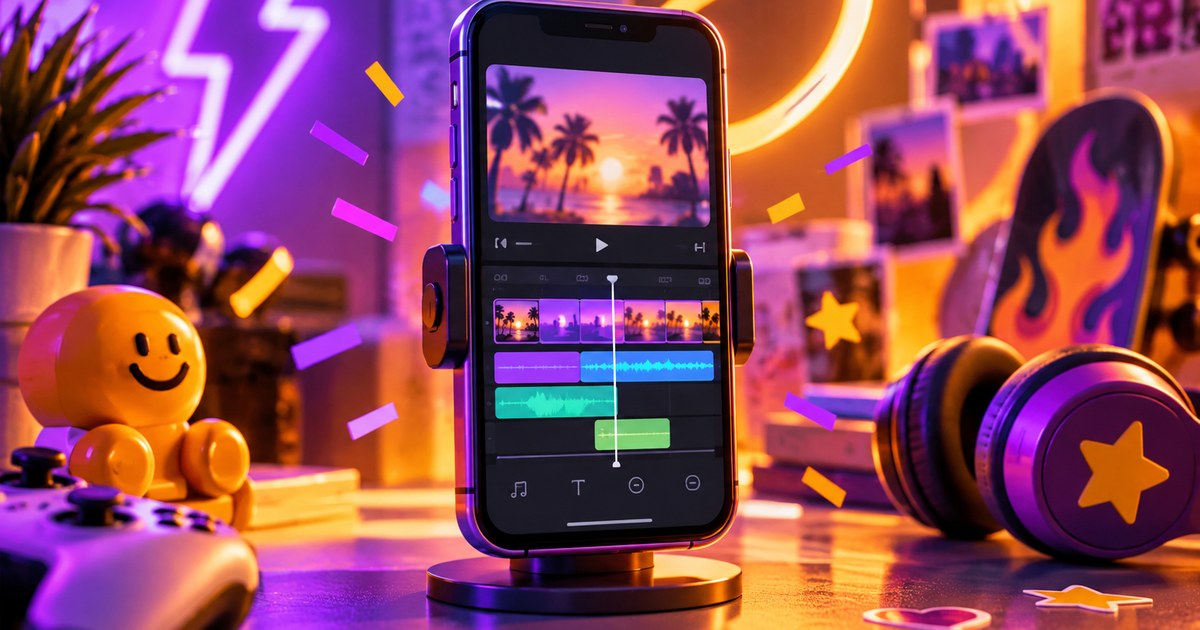
Making the character is the easy half. Plenty of people end up with a great mashup, a name that bounces, and then a single still image sitting in their camera roll doing nothing. The format these memes actually spread in is a short vertical video, and getting from picture to post takes about ten minutes once you know the shape of it. Searching for a brainrot video generator will hand you a pile of tools, but the sequence matters more than any one of them.
A brainrot video generator, in the way most people search for one, is really a small pipeline rather than a single button: a finished character image, a short Italian voiceover chanting its rhyming name, then both combined in a phone editing app with a slow zoom or beat-synced bounce, captions, and a vertical export. Knowing that pipeline is what makes the one-click tools useful instead of a black box.
What a brainrot video is actually made of
Pull any clip in this genre apart and you find four layers, always in the same order of importance.
The audio is first. A confident Italian-accented voice chanting a rhyming nonsense name is the element people recognise, repeat and reuse. Wikipedia’s description of the trend and Know Your Meme’s write-up both treat the AI-generated Italian narration as a defining element of the format, alongside the visuals rather than secondary to them, and the origin story backs that up: the shark in sneakers that started all of this is remembered for its chant as much as for its design.
The image is second. One character, one clear silhouette, readable at thumbnail size.
Motion is third, and it is doing less work than beginners assume. Many of these clips are, at their simplest, a still picture with a slow push in rather than full animation, which is exactly why they are realistic to make yourself without any animation skill.
Text is fourth. Captions with the character’s name so the joke survives being watched on mute.
Get those four in that order and the clip works. Reverse the order, which is what most people do by starting with the visuals, and you end up with a beautiful picture nobody shares.
Step 1: lock the character before you open an editor
Do not start editing with a half-formed idea. You want the mashup chosen, the name written and the image finished before a timeline is anywhere in sight, because every minute spent redesigning inside an editing app is a minute wasted.
If you are still at the idea stage, how to make your own Italian brainrot character has the naming pattern in four steps, and 40 combos worth making is a shelf of pre-built mashups you can pull from directly. If you would rather draw yours by hand, how to draw Italian brainrot breaks the characters down into the head and body split they all share.
One technical note that saves grief later: get the image as close to vertical as you can, or plan to crop it. A wide image floating in the middle of a tall frame with grey bars above and below reads as low effort before anyone hears a word.
Step 2: build the audio before you touch the timeline
Write a short script. The name, repeated, and two or three nonsense lines underneath it. Short is correct here. Ten seconds of confident chanting beats forty seconds of exposition every time.
Then get it read in an Italian voice. How to make an Italian brainrot voice covers this end of the job properly, including using the text-to-speech voices already built into your phone and sticking to legitimate apps from the App Store or Google Play rather than sketchy sites promising free cracked voices.
Export the audio as a single file and bring that into your editor first, before the picture. Building the video on top of a finished audio track is what makes the timing feel deliberate instead of accidental.
Step 3: add motion that lands on the beat
This is where most clips are won or lost, and the fix is smaller than you expect.
Slow push in. Set the image to scale from roughly 100% to 110% across the whole clip. That single move stops a still from looking like a still.
A bounce on the name. Every time the voice hits the character’s name, bump the scale up for a few frames and back down. Two or three bounces per clip, placed on the chant, is the entire rhythm trick.
One hard cut. If you have a second image, a reaction face or the character from another angle, cut to it once at the halfway point. Once. More than that turns a joke into a montage.
Leave the rest alone. Transitions, spins, shake effects and colour filters all make the clip look busier and less funny. The humour is in the deadpan delivery, so the edit should be deadpan too.
Step 4: captions, because most people watch on mute
Burn the character’s name onto the screen in a thick, high-contrast font, centred, either at the top third or the bottom third and never behind the platform’s own interface. Add the nonsense lines as subtitles if they are short enough to read at speed.
Keep the text large enough to survive a thumbnail. If you cannot read it on your own phone held at arm’s length, nobody scrolling will read it either.
Export settings that do not look crunchy
Vertical, 1080 by 1920, which is the standard 9:16 shape every short-form platform expects. Thirty frames per second is plenty for a clip built from a still. Keep the total length under about fifteen seconds unless the joke genuinely needs more, since these videos live or die in the first two seconds and a long tail just gives people somewhere to swipe away from.
Export at the highest quality your editor offers rather than a compressed share preset. The platform will compress it again on upload, and starting from an already-squashed file is how you end up with a blocky character nobody can make out.
What a brainrot video generator can and cannot do
A brainrot video generator, meaning any one-click tool that promises a finished meme clip, can genuinely save you the assembly work: pairing an image with a voice track, adding basic motion, stamping on captions. That part is mechanical and worth automating.
What no generator can do is have the idea. The pairing of two unrelated things, the name that bounces when you say it out loud, the one line of absurd backstory delivered completely straight: those are the parts that decide whether anyone watches, and they take about ninety seconds of your own thinking. Tools that generate the concept as well as the clip tend to produce something that is technically a brainrot video and funny to nobody.
The practical split is to make the concept and the character yourself, then let software handle the assembly.
Where to post it
Stick to the platforms the format actually lives on: TikTok, Instagram Reels and YouTube Shorts. All three take the same vertical export, so one file covers all of them.
Post from the official apps, not from mirrors or reposting sites. Keep the content clean, which is both the right call for an audience full of younger kids and the practical one, since the sanitised name-chant clips are the ones that reach the widest audience anyway. If your account is a kid’s account, the usual applies: no school uniforms, no house numbers, no real names in the caption.
The fastest route to the picture at the centre of all this is Rotino: type any two things and it returns a finished Italian brainrot cartoon character with a rhyming name, ready to drop straight onto your timeline. Free on iPhone, no signup.